

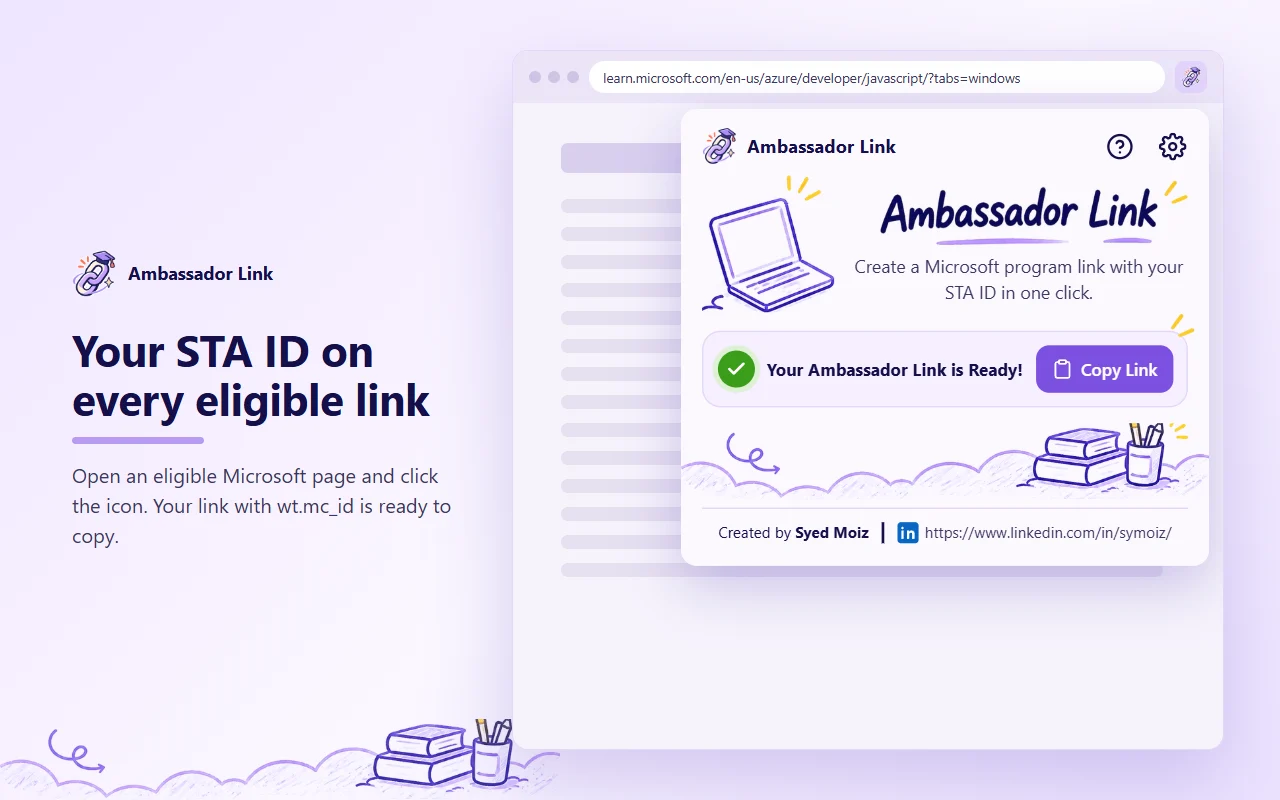
The free Chrome extension for Microsoft Learn Student Ambassadors. Open an eligible Microsoft page, click the icon, and copy a link that already carries your STA ID (wt.mc_id).

How it works
Three steps. No account, no setup beyond your ID.
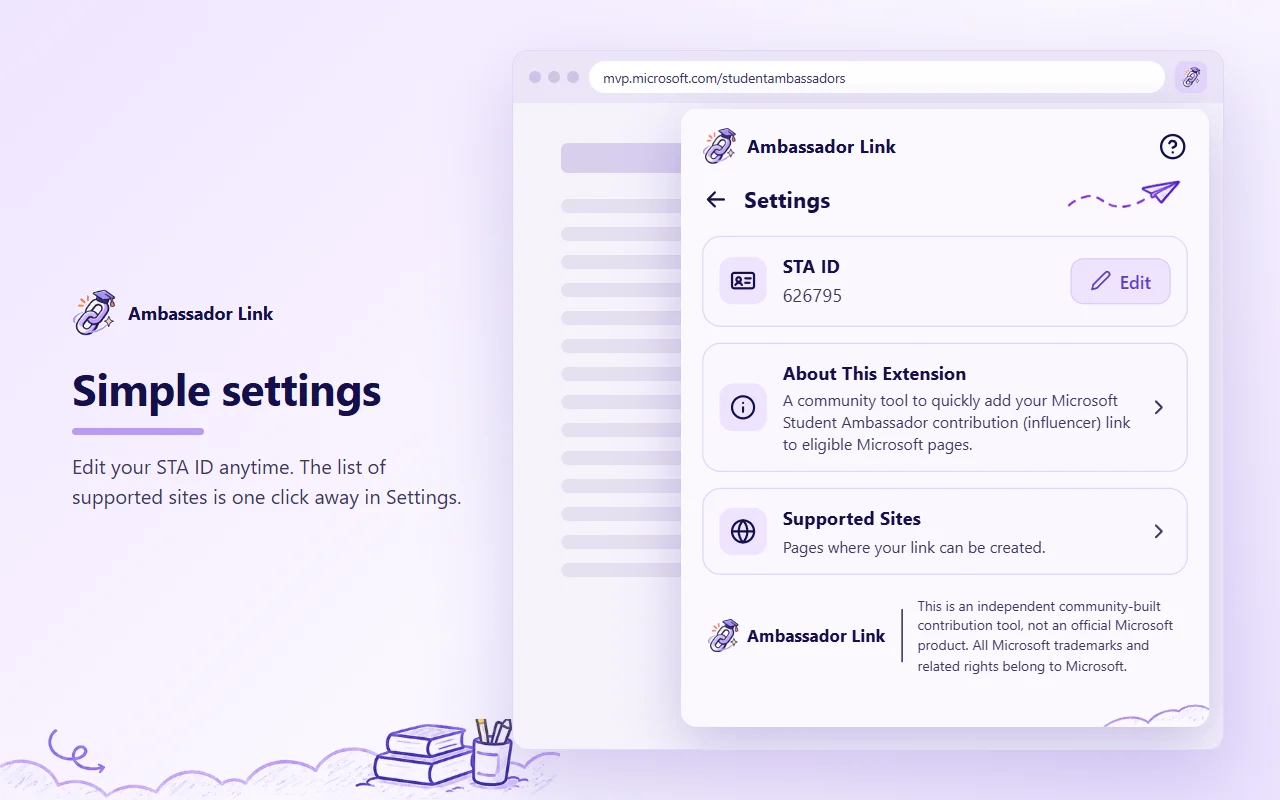
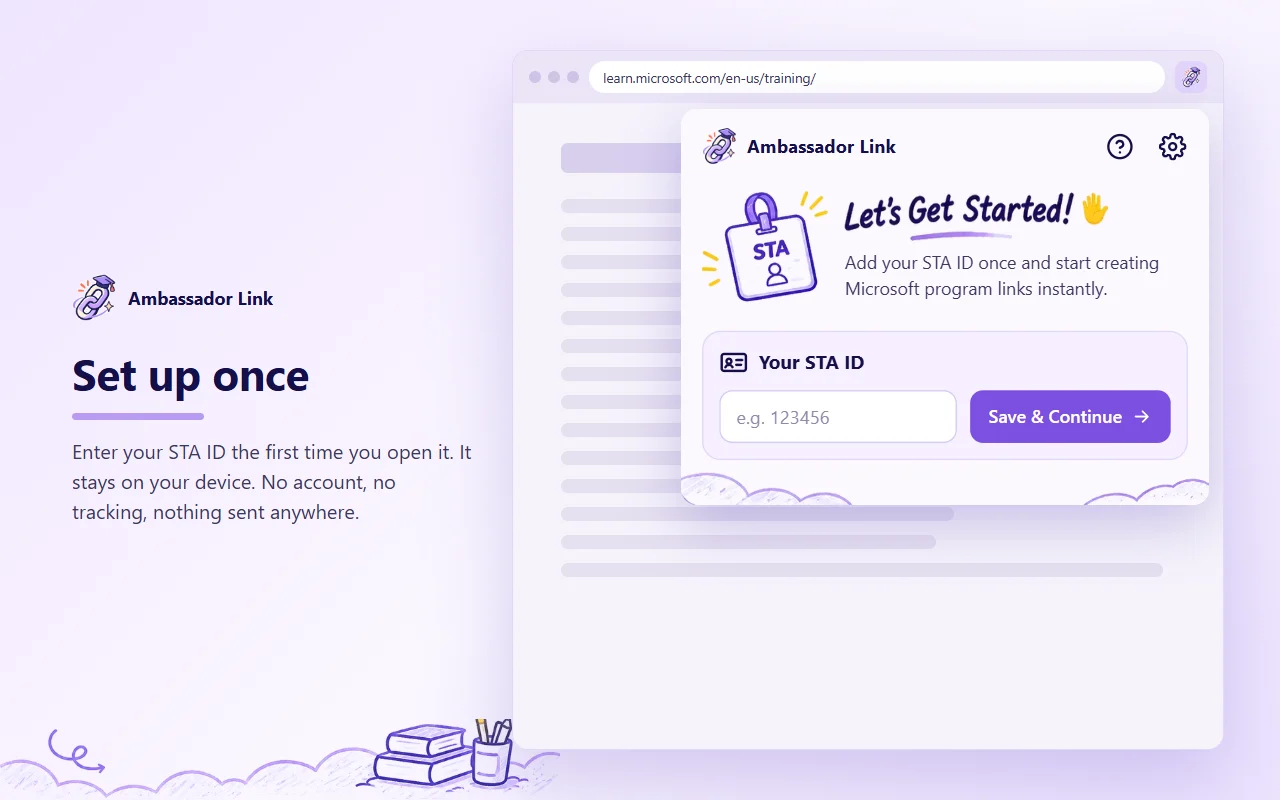
Add your STA ID once
Type your Student Ambassador ID, like
123456, the first time you open the extension.Open an eligible page
Any page on the supported sites list, then click the extension icon.
Click Copy Link
Your link with
wt.mc_id=studentamb_123456is on your clipboard, ready to share.
Why ambassadors use it
Correct contributor links every time, without editing URLs by hand.
Clean links
Adds ? or & correctly, drops /en-us/ so visitors see their own language, and keeps other parameters and #sections.
Your ID, never theirs
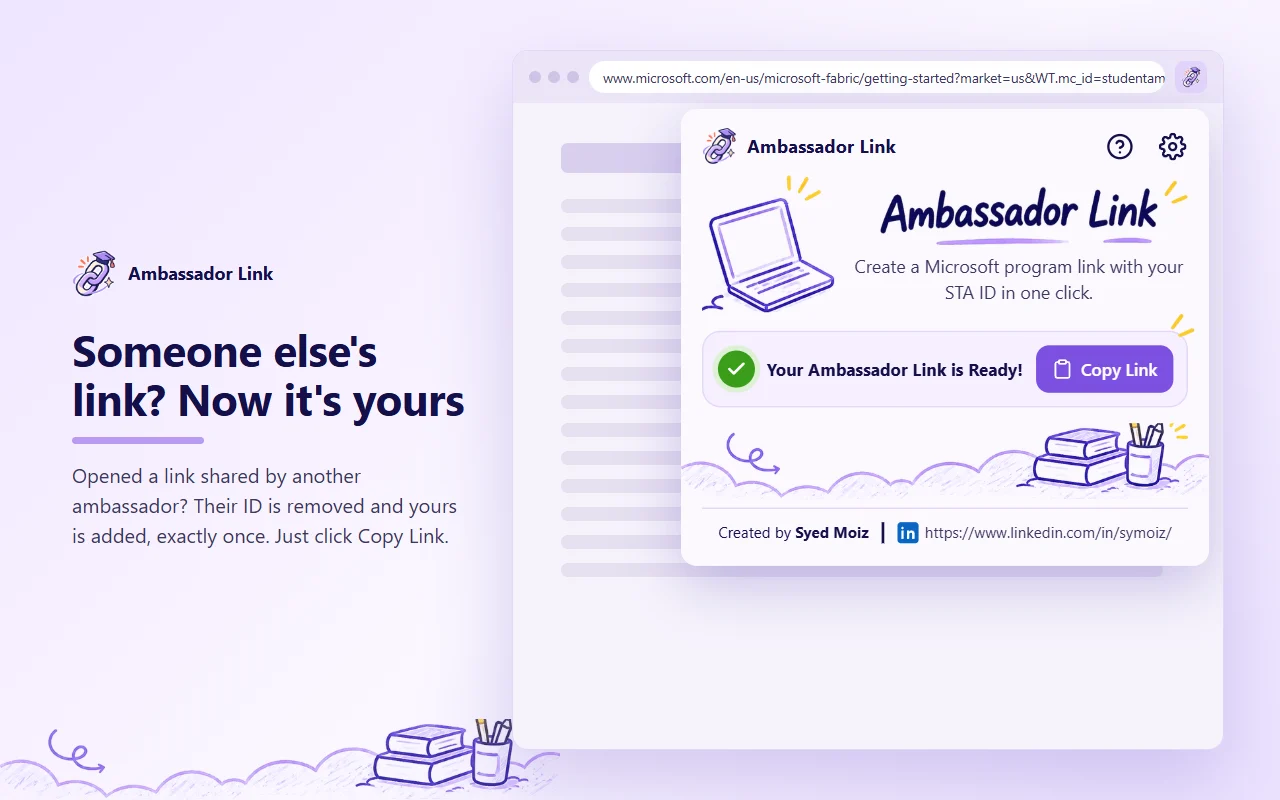
Opened a link another ambassador shared? Their ID is removed and yours is added, exactly once.
Only eligible pages
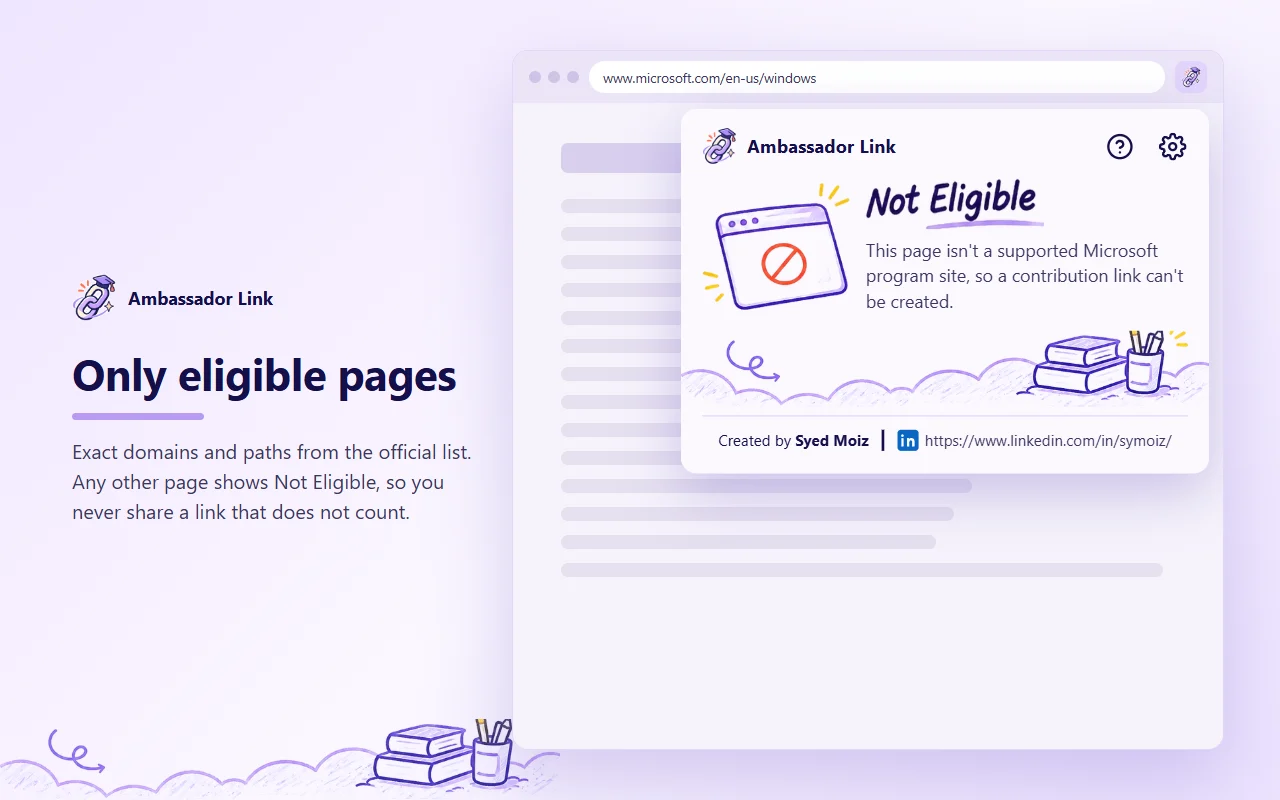
Exact domains and paths from the official list. Any other page shows Not Eligible.
Private by design
Stores only your STA ID, on your device. No history, no tracking, no network requests.
Minimal permissions
Just storage and activeTab. It reads the current tab's address only when you click the icon.
Free and simple
One button. No account, no sign-in, no ads.
Screenshots
What you'll see in the popup.
Supported sites
Exact domains, plus these paths. Locale segments like /en-us/ are fine.
- azure.microsoft.com
- blog.fabric.microsoft.com
- code.visualstudio.com
- community.fabric.microsoft.com
- community.powerplatform.com
- copilot.microsoft.com
- developer.microsoft.com
- devblogs.microsoft.com
- dotnet.microsoft.com
- events.microsoft.com
- imaginecup.microsoft.com
- learn.microsoft.com
- microsoft.com/insidetrack
- microsoft.com/microsoft-365-copilot
- microsoft.com/microsoft-cloud/blog
- microsoft.com/microsoft-copilot/for-individuals
- microsoft.com/microsoft-fabric
- microsoft.com/power-platform
- microsoft.com/startups
- mvp.microsoft.com/studentambassadors
- powerbi.microsoft.com
- reactor.microsoft.com
- studentambassadors.microsoft.com
- techcommunity.microsoft.com
FAQ
Questions ambassadors ask.
What is wt.mc_id?
It's the parameter Microsoft uses to credit visits to a contributor. Student Ambassadors add wt.mc_id=studentamb_ followed by their ID to links they share. Ambassador Link adds it for you.
Where do I find my STA ID?
It's your Microsoft Student Ambassador contributor ID, the number after studentamb_. You can type just the number or the whole ID.
Why does a page say Not Eligible?
Only pages on the official list count. Chrome also hides the address of the New Tab page, chrome:// pages, and the Chrome Web Store, so those always show Not Eligible.
Does it collect any data?
No. It stores your STA ID in your browser and nothing else, and it can't make network requests. Read the privacy policy.
Is this an official Microsoft tool?
No. Ambassador Link is an independent community tool and isn't made, endorsed, or sponsored by Microsoft.